

Short answer
A cloud POS system is cloud-based checkout software that lets a restaurant run counter, check and order management from an internet-connected tablet or PC, integrated with online ordering channels.
With the FoodEmp restaurant ordering system, turn phones and tablets into an easy-to-use POS.
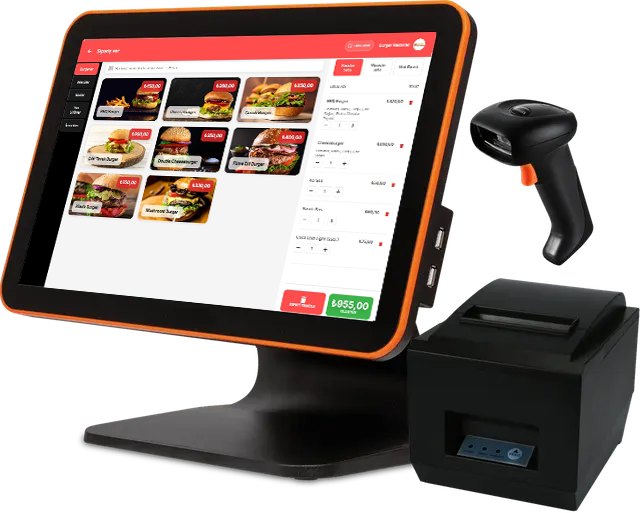
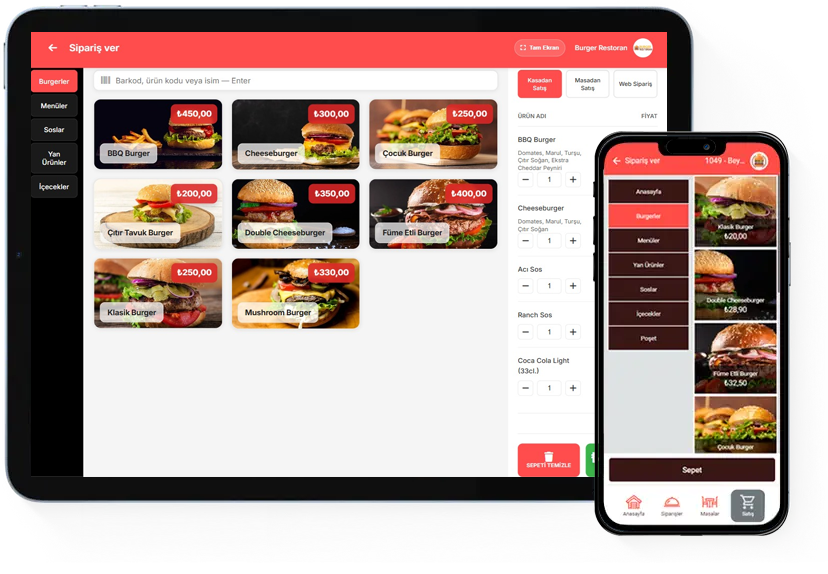
Runs on Windows and Android and works on tablets that meet performance needs—no brand or model lock-in.
Thanks to the cloud, access all your business data from any internet-connected device.
Features
Online access
Device compatibility
Offline mode
Integrations
Fiscal printer integration, marketplace integrations,
Caller ID integration.
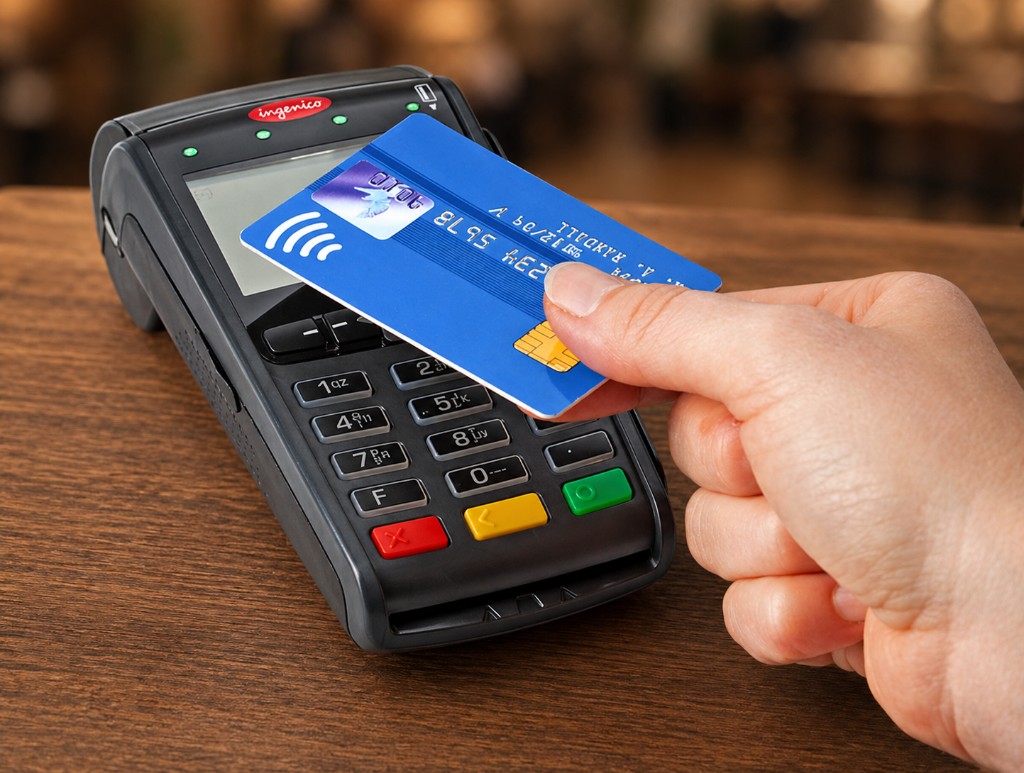
Fiscal-Approved Register POS
Supports magnetic, smart, contactless card and cash. Suitable for shared POS use including earn-and-burn points.
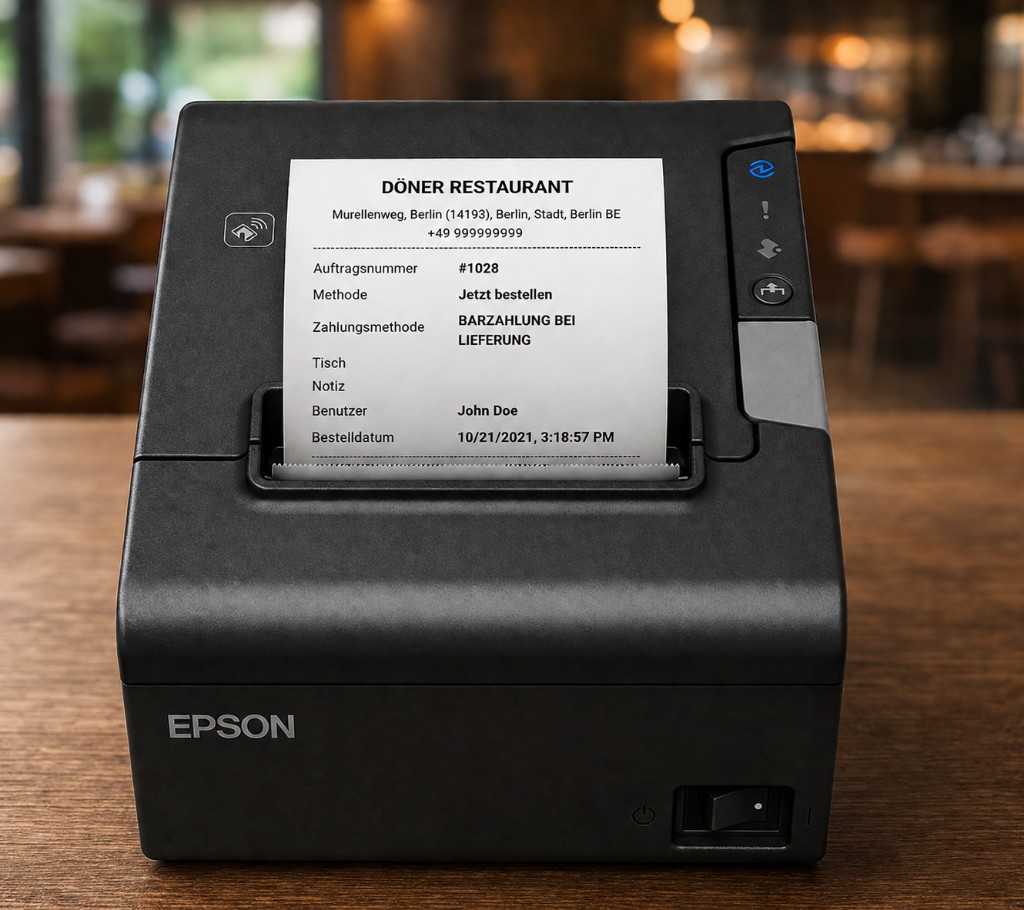
Thermal POS receipt printer
- Wi-Fi
- Bluetooth
- USB
Manage table orders
- Thermal printer
- Barcode reader
- Register integration
- Works on desktop, tablet and mobile
Manage table orders. View open orders and totals per table.
Split or merge tables, separate or combined checks. Take payments in cash, card, full or split.
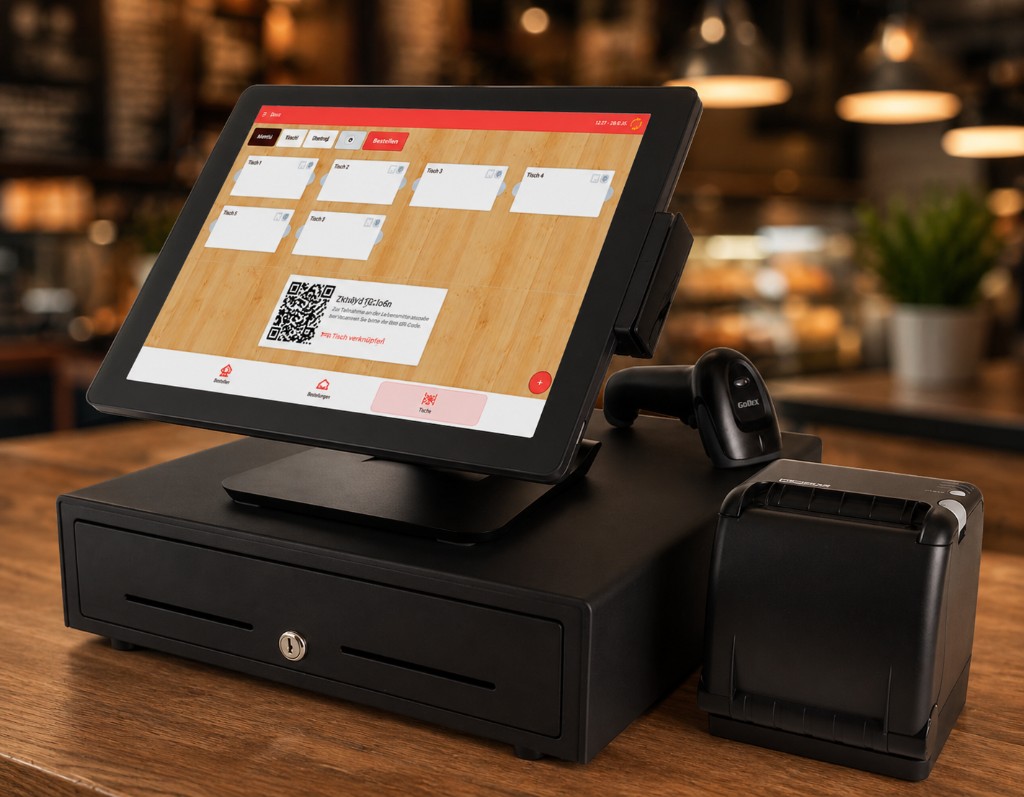
Meet the next-generation POS
With FoodEmp you can have online food ordering and an integrated POS together.
Cloud infrastructure lets you run the business via the web admin panel and mobile app—save time and reduce costs.
Cloud POS system — FAQ
What is the difference between cloud POS and traditional checkout?
Cloud POS stores data online; accessible from tablet, phone and PC with central updates. Concept guide: what is cloud POS.
Is it integrated with online ordering?
Yes. Web, QR and marketplace orders can connect to the POS/check flow; dining and online channels share one backbone. See POS ordering system.
Which devices does it run on?
Windows and Android tablets/phones with thermal printer and fiscal register integration; an internet connection is sufficient.
Try the system now
Test the system instantly with a ready-made menu, then add your own products and tailor it to your business.